Intelligent Automation in Insurance, From First Form to Final Signature

EasySend brings AI, digital journeys and workflow automation together, so insurers can run onboarding, claims, servicing and renewals end to end with clean data in every core system.

Why insurers pick EasySend for intelligent automation

clal logo

60-80%

process conversion rate

btis logo

14 days

to go live

50 states

supported with one journey

What intelligent automation looks like in an insurance operation

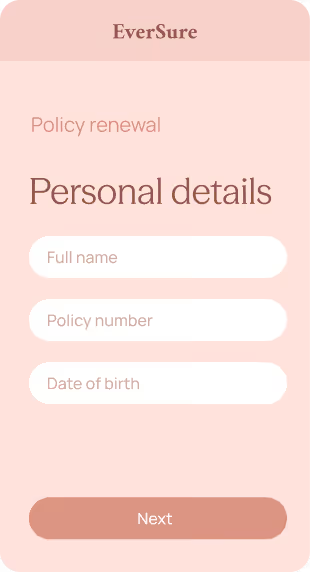
Journeys, DynamicDoc and EasySign share one platform, and AI assistants review each submission, validate the data and chase missing documents before a person touches the file.
Journeys

Describe a process, get a journey

AI Journey Builder turns a short description, or an existing PDF, into a guided digital journey that writes straight to your CRM or core system.
DynamicDoc

Generate policy documents from one template

DynamicDoc builds personalized policies, letters and claim documents from a single Word template, using the customer's answers and your business rules.
EasySign

Finish with a legally binding signature

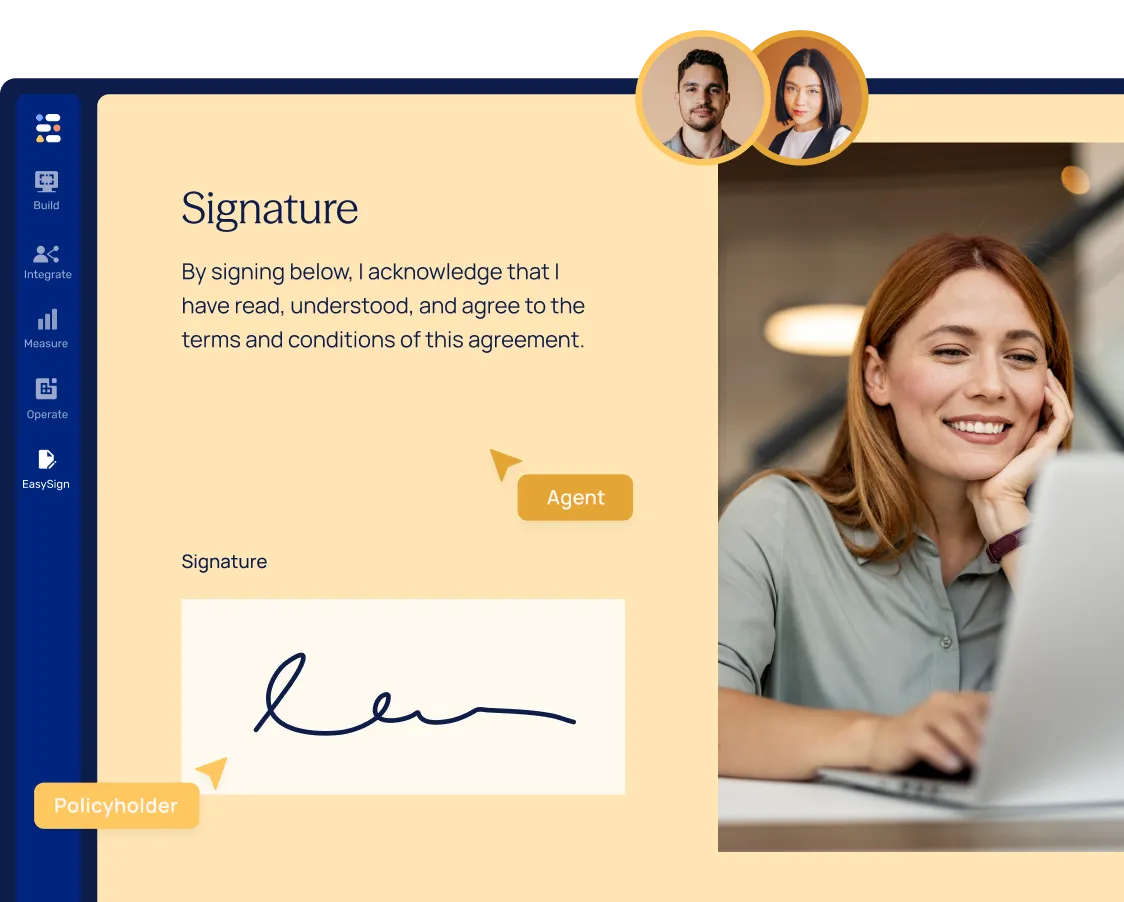
EasySign collects signatures with automated reminders, serial or parallel signing and two-way CRM sync, so the file closes without follow-up calls.
Workflow Manager

Map & manage every customer touchpoint

Plan, manage, and navigate all your digital insurance interactions in one place.
Analytics

Make data-backed decisions

Track how your insurance journeys perform so you can optimize results.

Intelligent automation that reaches your core systems

AI assistants enter data, follow up on missing items and sync every submission to policy administration, claims and CRM systems, so teams always work from a complete record.
Policy Administration
Care Management
New Business and Underwriting
Agent and Distribution Management
Claims Management
Reinsurance Management System
Enrollment & Eligibility
Customer Relationship Management
Provider Network Management

Run intelligent automation from Salesforce

Launch AI-assisted journeys inside Salesforce, pre-fill them with CRM data and write completed submissions back to the record automatically.
Salesforce and Easysend integration

Enterprise controls for intelligent automation

Roles & Permissions

Set access by role so adjusters, underwriters and agents only see the policy and claim data their job needs.

Multichannel &
multilingual

Reach policyholders by email, SMS or chat, in the language they prefer, without rebuilding the journey.

Co-Browsing

Agents share the screen and walk a policyholder through a form or signature in real time, start to finish.

Custom branding

Every form, document and signature request carries your carrier's look, so customers trust what they open.

Responsive

Policyholders finish applications, claims and service requests on a phone, tablet or desktop.

AI assistance

AI drafts journeys and documents from a short description, then checks submissions for gaps.

Real people supporting your rollout

Local EasySend experts work with your team from the first workshop, helping you build, adjust and scale digital journeys through launch, renewals and every change after.
Scott Hagberg
Application and Automation Architect at VGM
"We now tell our teams that whatever they can imagine, we can make it happen. We've thrown away all those boundaries, and now we're able to give our customers and teams tools that go above and beyond their expectations."

Intelligent automation across every line of business

Digitize the P&C policy lifecycle

Let policyholders quote, buy and manage coverage online, and give underwriters complete, structured data for faster risk assessment.

Quote Request   |   Policy Submission   |   Loss and Claims History Report   |   Policy Issuance   |  Cancellation   |   FNOL   |   Claim Payment

Make life insurance simple to buy and service

Move applications, beneficiary changes and disability claims onto guided digital journeys, so policyholders get protection with less paperwork.

Applications   |   Beneficiary Forms   |   Medical Examination   |   Authorization   |   Policy Change   |   Policy Surrender

Speed up health insurance service

Members enter treatment details and upload supporting documents online, which shortens claim processing and approval times.

Health Application   |   Health Insurance Claim   |   Pre-Authorization & Health Consent   |   Questionnaires   |   Coordination of Benefits   |   Claim Appeals

Security and compliance built for insurers

EasySend lists SOC 2 Type II, GDPR, HIPAA, PCI DSS and ISO/IEC 27001 compliance, with AES-256 encryption at rest, TLS 1.3 in transit, SSO, MFA and full audit trails on every journey.

Intelligent automation in insurance FAQs

What is intelligent automation in insurance?

Intelligent automation in insurance combines AI with workflow automation so that tasks needing judgement, such as checking a claim form for missing evidence, run alongside rules-based steps. In EasySend, Journeys captures the data, AI assistants validate it and request what is missing, and Workflow Manager routes the case and syncs it to core systems.

How is intelligent automation different from RPA?

RPA repeats keystrokes on existing screens and breaks when those screens change. Intelligent automation redesigns the process itself: the customer completes a guided digital journey, the data arrives structured, and AI handles the exceptions. That gives insurers clean data at the source instead of scripts that copy it between systems.

Which insurance processes benefit first?

High-volume, form-heavy processes usually come first: new business applications, first notice of loss, policy changes, renewals and agent onboarding. See how carriers apply it to insurance claims and renewals, two areas where incomplete submissions cost the most time.

Does EasySend use our data to train AI models?

No. EasySend states that it uses industry-leading LLMs plus proprietary machine learning, does not share data with third parties and does not train models on customer data. Role-based access and full audit trails apply to AI assistant actions.

How long does it take to launch a first automated journey?

Timelines depend on scope and integrations. BTIS went live in 14 days, and Clal Insurance built 75 processes in its first year and more than 200 since. A short discovery call is the fastest way to size your first project.

Is EasySend secure enough for a regulated insurer?

EasySend lists SOC 2 Type II, GDPR, HIPAA, PCI DSS, ISO/IEC 27001 and ADA compliance. Data is encrypted with AES-256 at rest and TLS 1.3 in transit, access is controlled with SSO and MFA, and every journey keeps a full audit trail. The platform runs on AWS with single-tenant or multi-tenant deployment, flexible data residency and annual penetration testing. Read more about EasySend security and compliance.

What support do insurance teams get during rollout?

Every customer works with real people from day one. EasySend's local experts run discovery workshops, help design the first journeys, connect them to your systems and stay involved as you add new processes, products and lines of business. Clal Insurance, for example, grew from its first processes to more than 200 on the platform, with 221% higher adoption of digital processes.

How is EasySend priced for insurers?

EasySend does not publish pricing, because cost depends on the number of journeys, users, integrations and deployment model. The fastest way to get a figure is a short call where the team reviews your process and the systems involved. You can also explore the insurance solutions overview first to see which use cases fit.

Book a demo today

See how you can create and automate smart, AI-powered digital workflows that elevate customer experiences.

Loading form…